Works with iCloud calendars
Include personal, family, school, and activity calendars from the connected Apple account.
 TextMyPlans
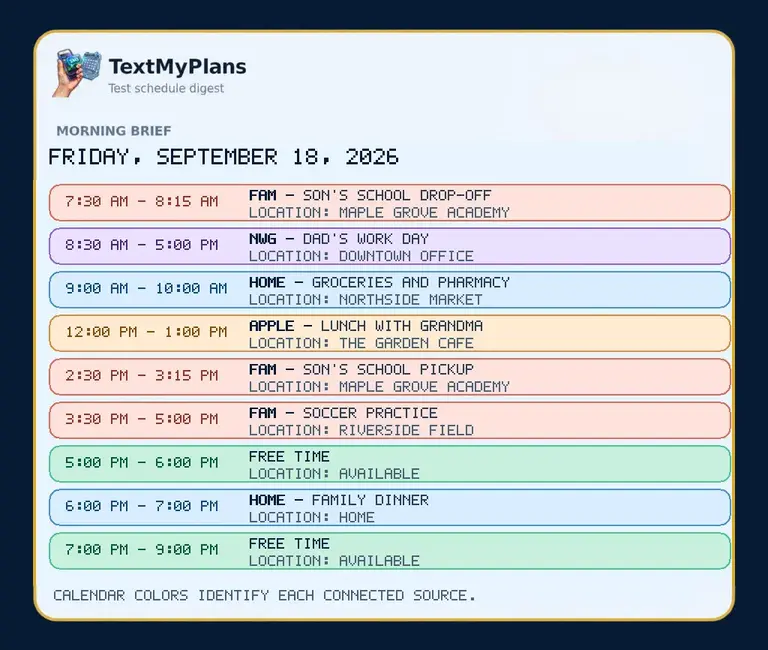
Connect iCloud Calendar through an Apple app-specific password and send a simplified family schedule to approved recipients. They receive the plan without needing your Apple ID or access to your calendar.
iPhone, iPad, and iCloud families who want a simple schedule delivered outside the Calendar app.
Include personal, family, school, and activity calendars from the connected Apple account.
Recipients receive the schedule by text and do not need an iPhone or shared Apple account.
TextMyPlans does not create, edit, or delete Apple Calendar events.
Generate an app-specific password from your Apple account.
Add the iCloud account securely in the member dashboard.
Choose recipients and send the combined daily schedule.
Connect calendars, approve recipients, and preview the exact text and JPEG before sending.