Accepted invitations included
Events you accepted appear beside appointments you created.
 TextMyPlans
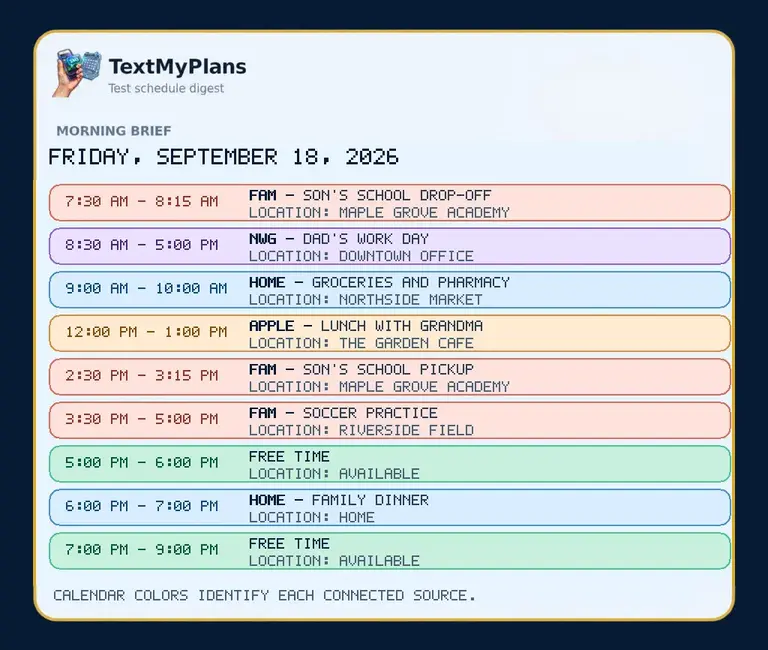
Connect Google Calendar with read-only access and automatically send accepted events, start and end times, locations, meeting links, and free-time windows to approved recipients.
Google Calendar and Google Workspace users who need a dependable morning or next-day digest.
Events you accepted appear beside appointments you created.
Combine personal, family, school, and work Google accounts in one digest.
Ultimate can check every 15 minutes and send only newly added, updated, or canceled events.
Sign in through Google OAuth and grant calendar read access.
Preview the exact message and JPEG before delivery.
Choose morning delivery or an advance next-day schedule.
Connect calendars, approve recipients, and preview the exact text and JPEG before sending.