Change-only messages
Recipients see the event that changed without rereading the complete day.
 TextMyPlans
Ultimate members can monitor all connected calendars every 15 minutes. When something changes, TextMyPlans sends only the added, updated, or canceled event instead of repeating the entire morning schedule.
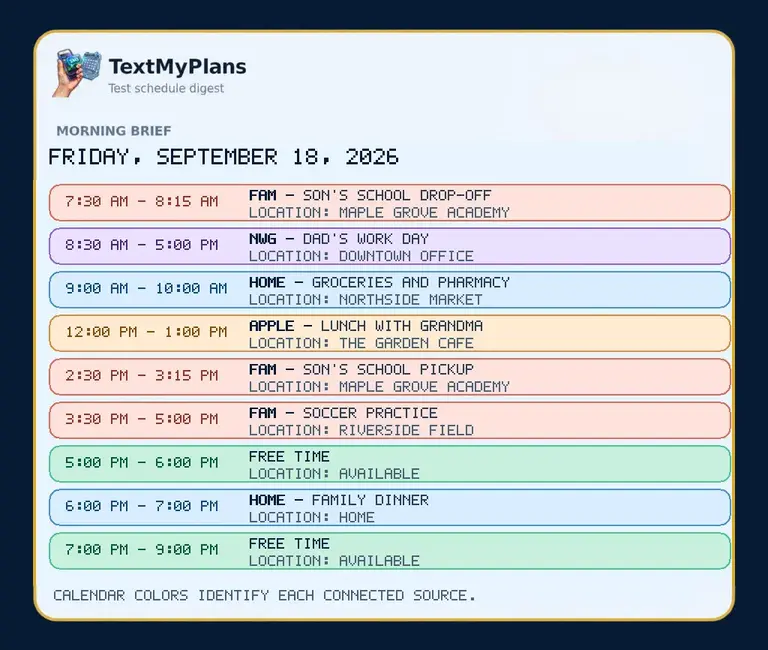
Families, caregivers, teams, and coordinators whose plans frequently change after the morning digest.
Recipients see the event that changed without rereading the complete day.
Monitor Google, Microsoft 365, Outlook, and Apple calendar sources together.
Each alert can include a visual calendar update with a bold calendar-source label.
Turn on 15-minute calendar change monitoring under Schedule Delivery.
TextMyPlans compares the latest combined calendar state with the previous check.
Only meaningful additions, updates, and cancellations are sent.
Connect calendars, approve recipients, and preview the exact text and JPEG before sending.